Proceed as follows to create a new station group:
|
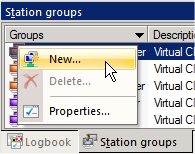
In the Environment view of NMS Administration, right-click on the Station groups page to open the shortcut menu, and select New: |

|
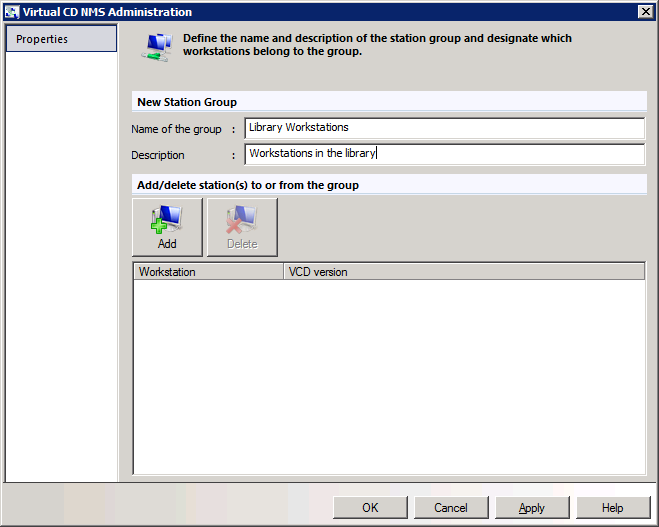
On the station group's Properties page, enter a name and a description for the new station group: |

|
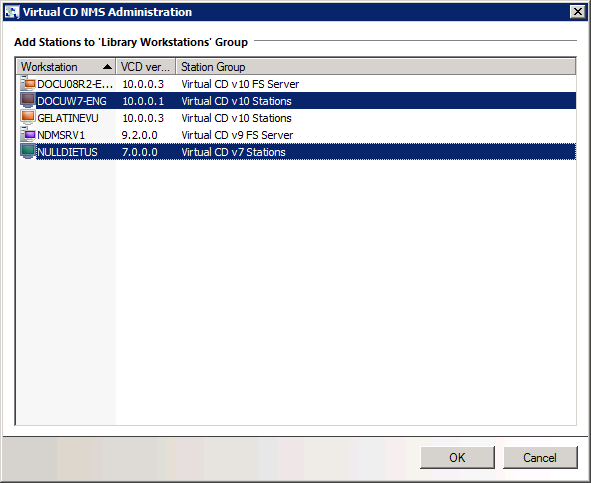
Click on Add; this opens the Adding Stations dialog. Select the stations you wish to add to the group and click on OK: |

|
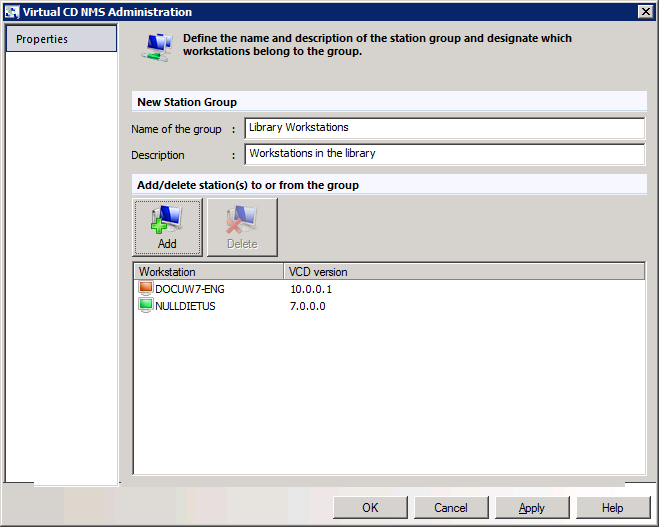
The stations are added to the group. To confirm creation of the group, click on OK: |

|
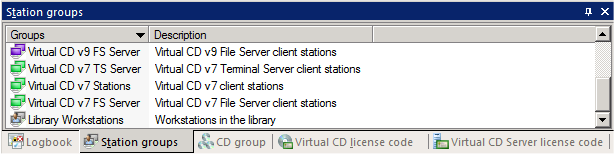
The new group is displayed on the "Station groups" page... |

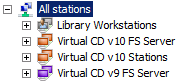
...and under Management of virtual CDs: Registered stations:
You can now perform the usual operations on this station group, such as inserting/ejecting virtual CDs or assigning a profile.
|
Each station can belong to only one group. |
